01
Prompt Studio
Write the shot in camera language: 35 cameras, 28 lenses, 30 film stocks and a 95-technique library of moves, transitions and effects.
30+ video models · Every model from $19 · No credits
Write the shot like a director. Render it in the same tab.
The commercial for Production Mogul, our film budgeting app. Characters, set, lighting and camera, all generated in AI Render Pro Studio.

Twenty years directing commercials, music videos and short films. When AI video arrived I wanted to use it the way I run a set.
It did not work like a set. Every tool did one thing. Prompts were written blind, with no camera, no lens, no light. Characters changed face between shots. Credits I had paid for vanished at the end of the month.
So I built the studio I wanted to direct in.
Prep comes first: cast sheets, wardrobe, locations. Then the shot list, in real camera language. Then the render, on whichever model suits the shot, at the provider's own price. Then retouch, upscale and sound, in the same place.
It is what my studio uses. The commercial above is the proof.
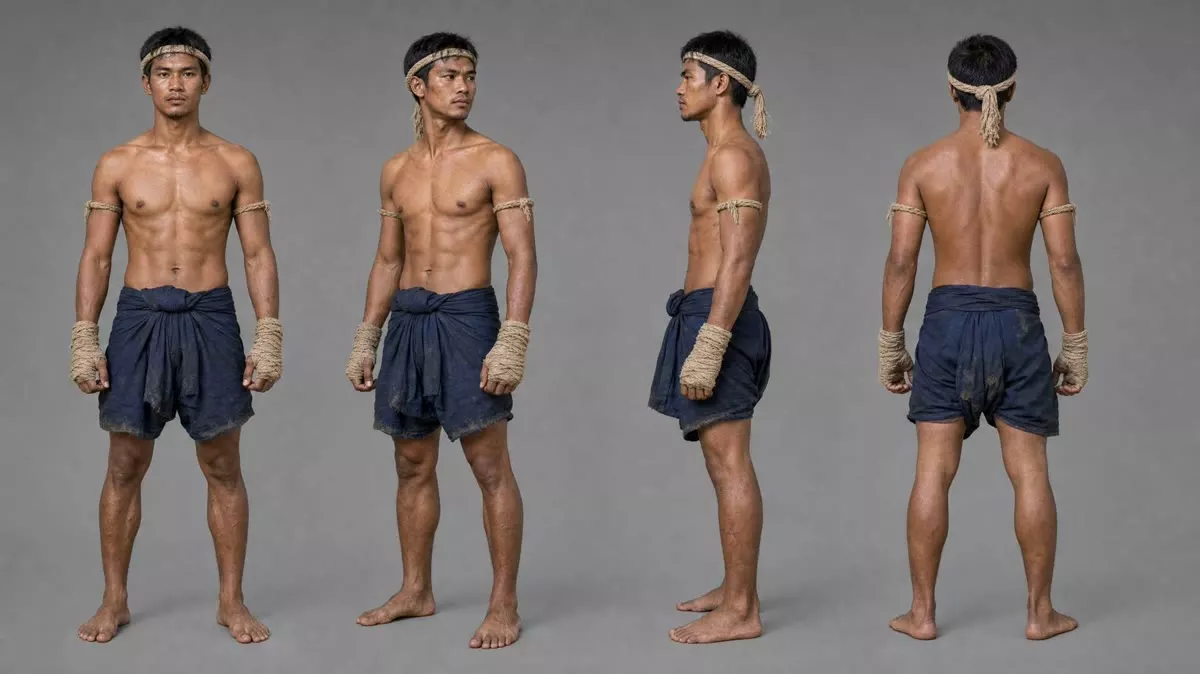
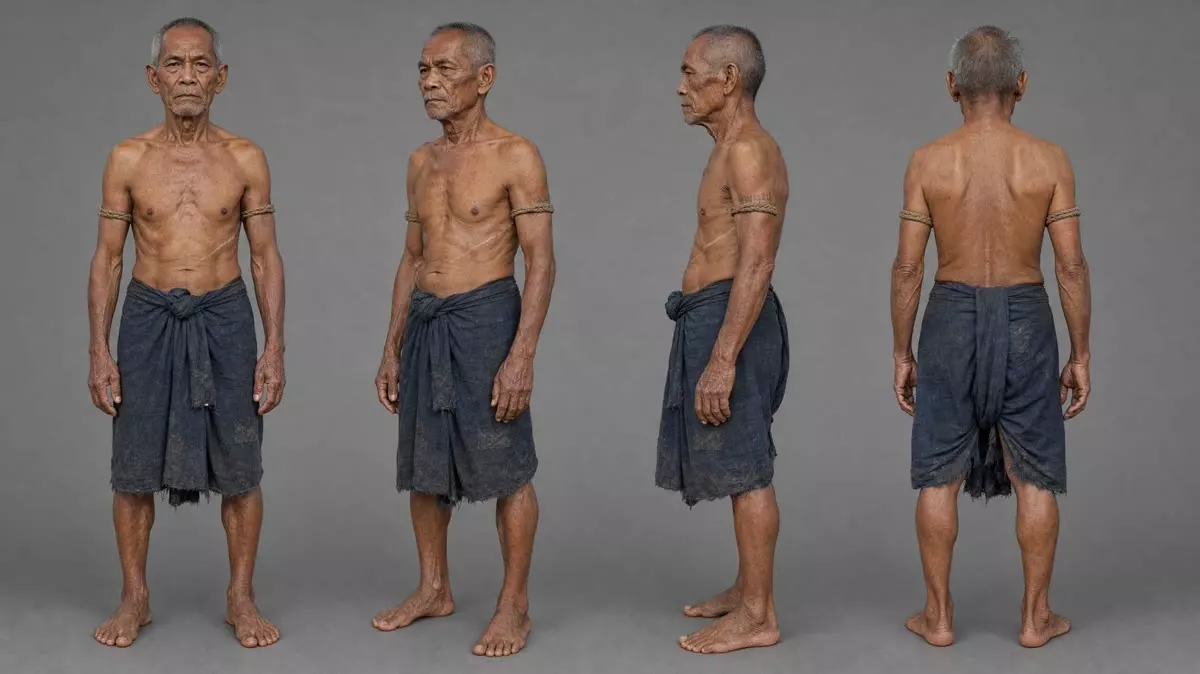
Build the cast and the set before you roll. Character turnarounds and location plates go in as references, so the fighter, his teacher and the pavilion stay the same from one shot to the next.
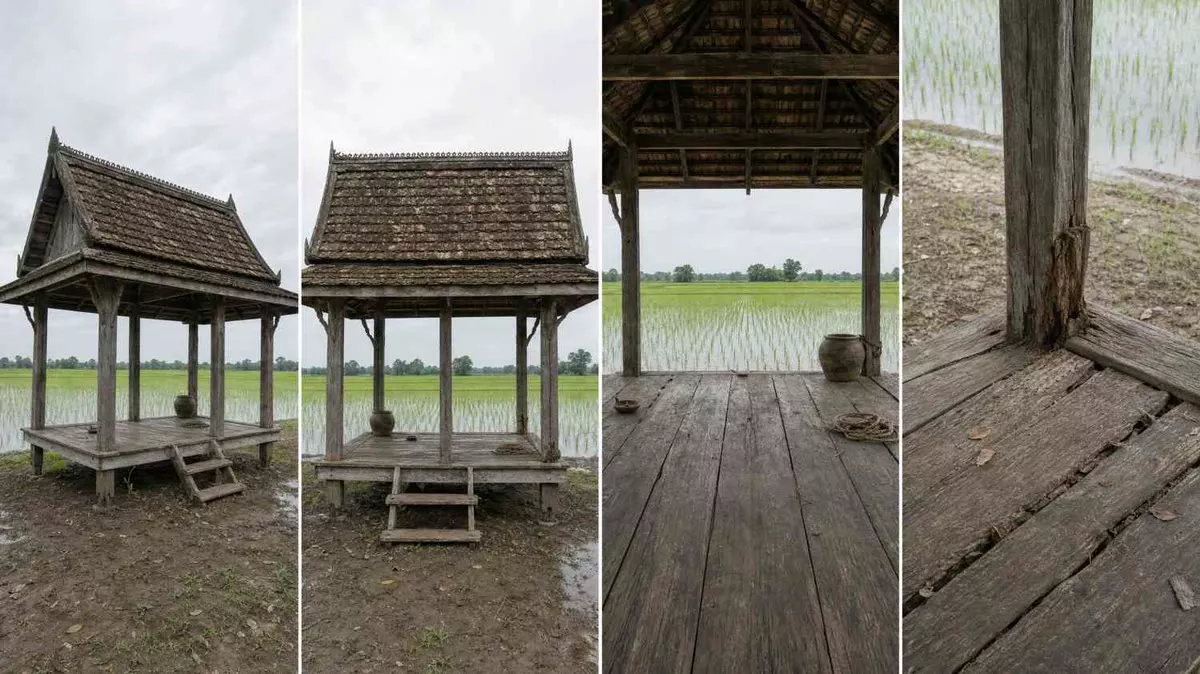
Ambience and foley rendered with the picture, not laid on after. Seedance 2.5 takes run up to 30 seconds.
Each stage hands off to the next. No exporting between five apps, no copying prompts into another tab.
Write the shot in camera language: 35 cameras, 28 lenses, 30 film stocks and a 95-technique library of moves, transitions and effects.
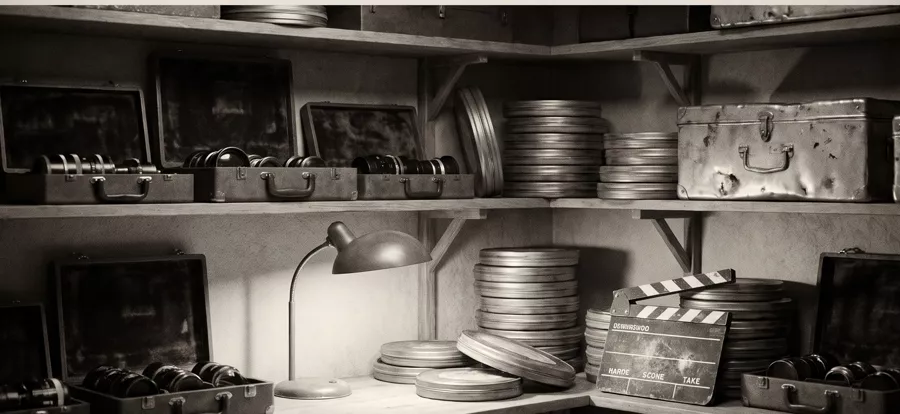
Character turnarounds, expression sheets, wardrobe flat lays, props and location plates. One click per asset.
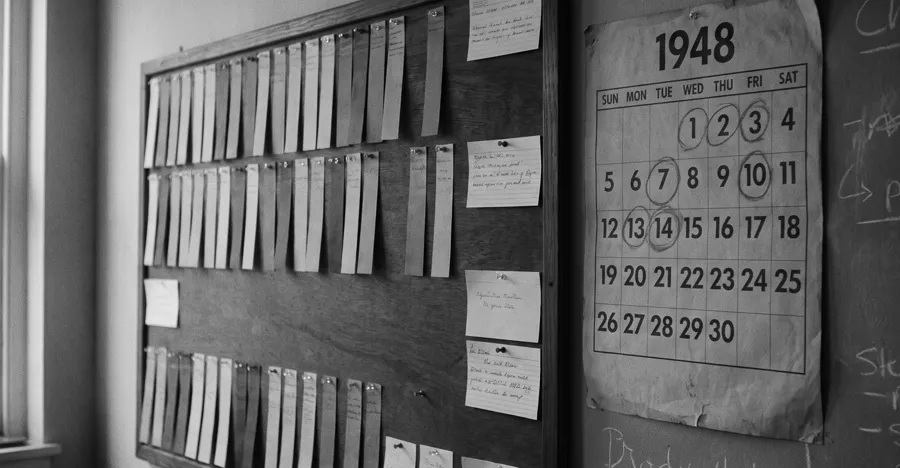
Break the script into scenes, then plan camera, transition and effect for every shot.
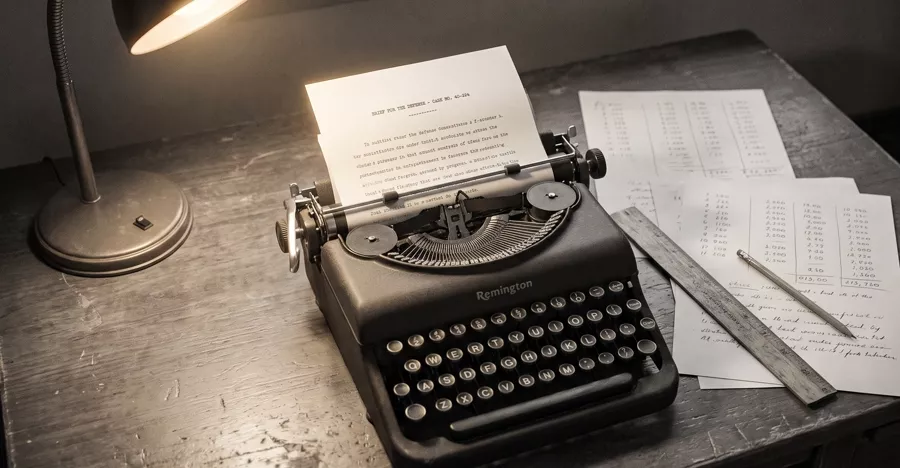
An AI chat that sees your reference images and builds the shot list with you. It remembers the project.
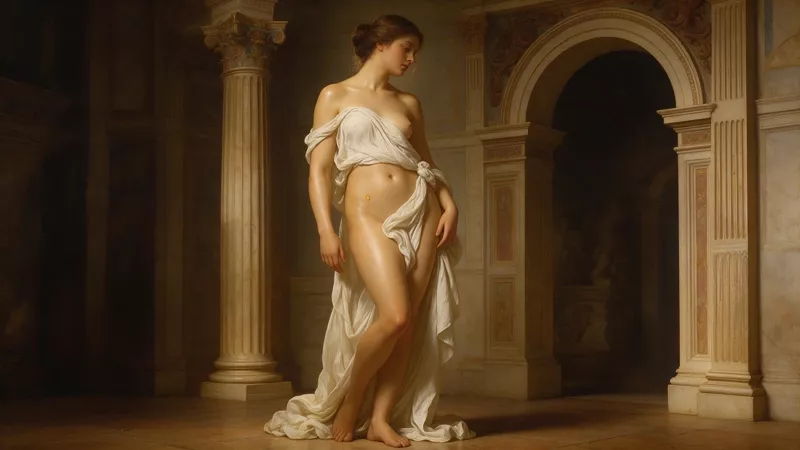
Seedream, Nano Banana, FLUX and GPT Image, driven by your references for consistent characters and locations.

30+ models: Seedance 2.5 with 30-second takes and native audio, Seedance 2.0 in native 4K, Kling v3 and O3, Veo, Wan, HappyHorse.
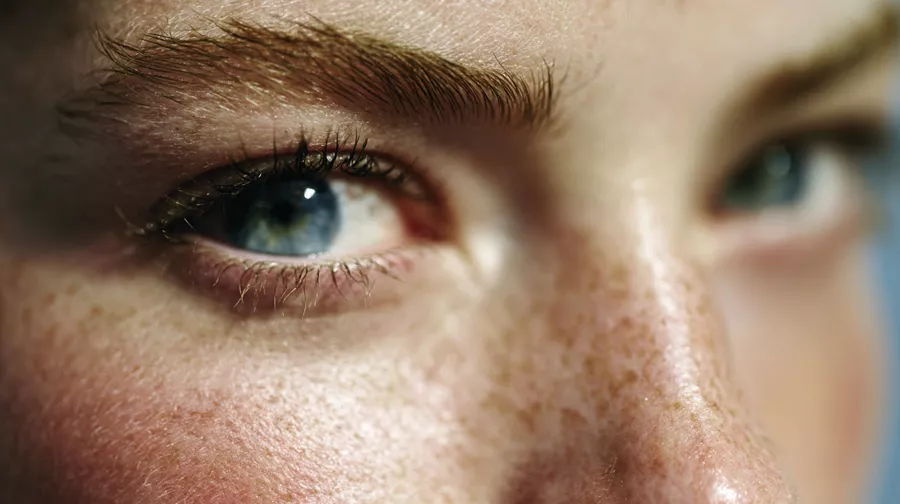
Fix the frame, then take it past 7K with Clarity or Topaz.
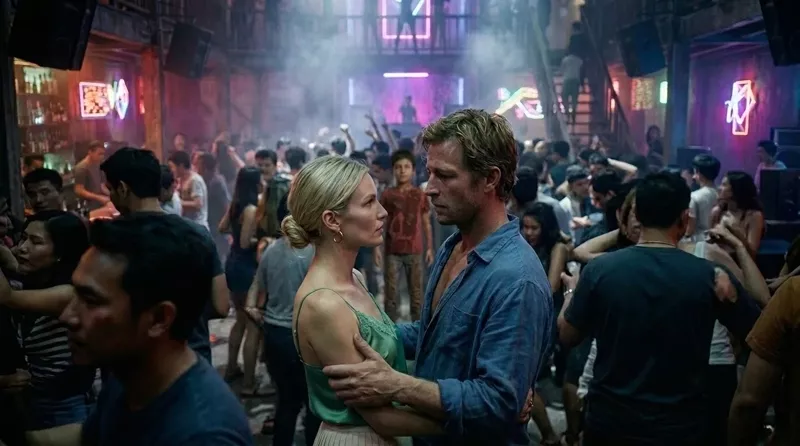
Voice and sound in the same project, next to the picture.
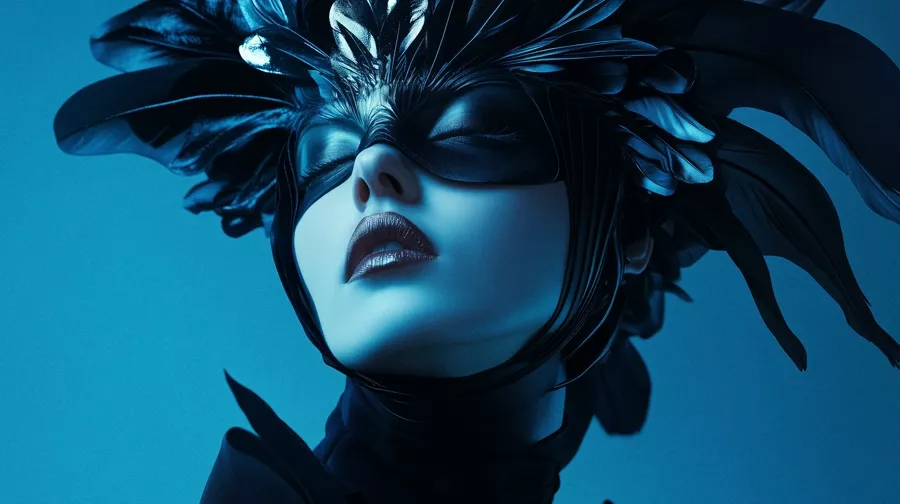
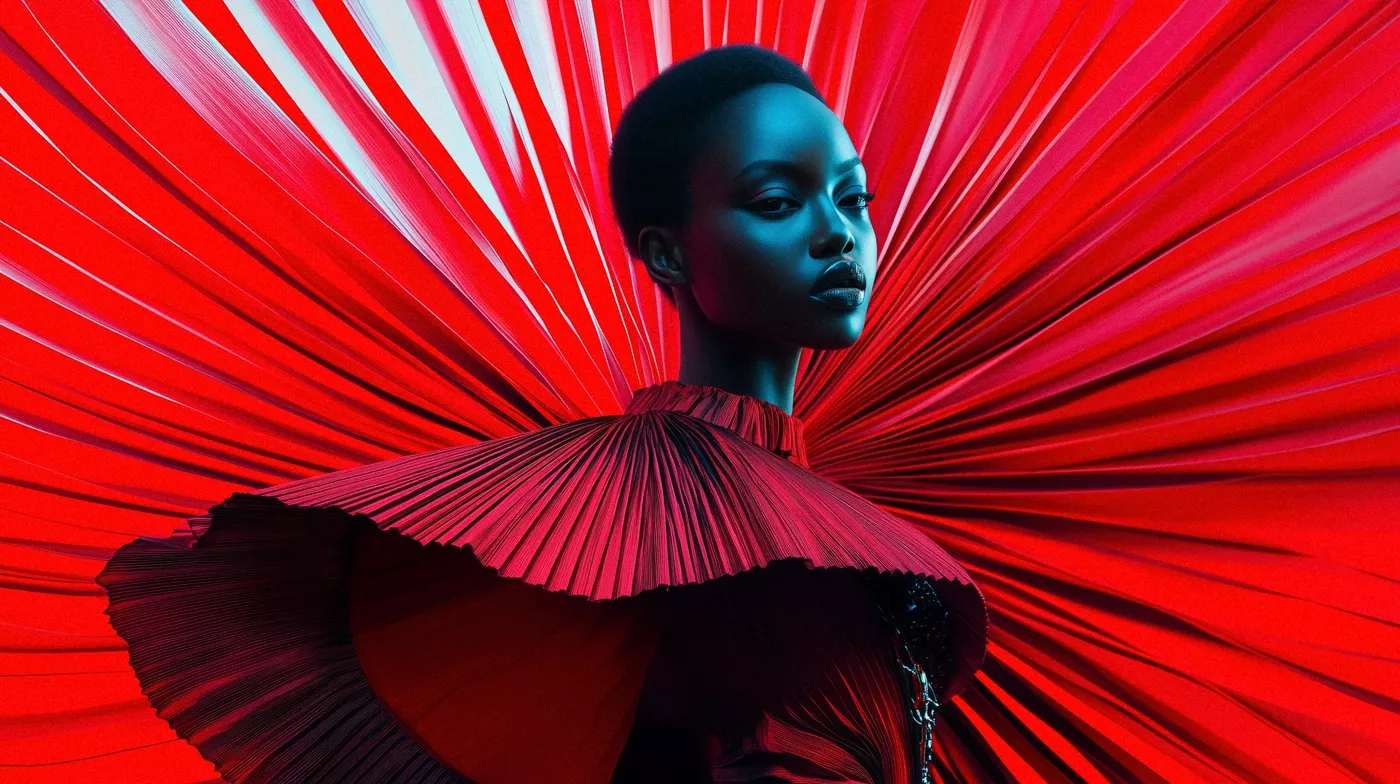
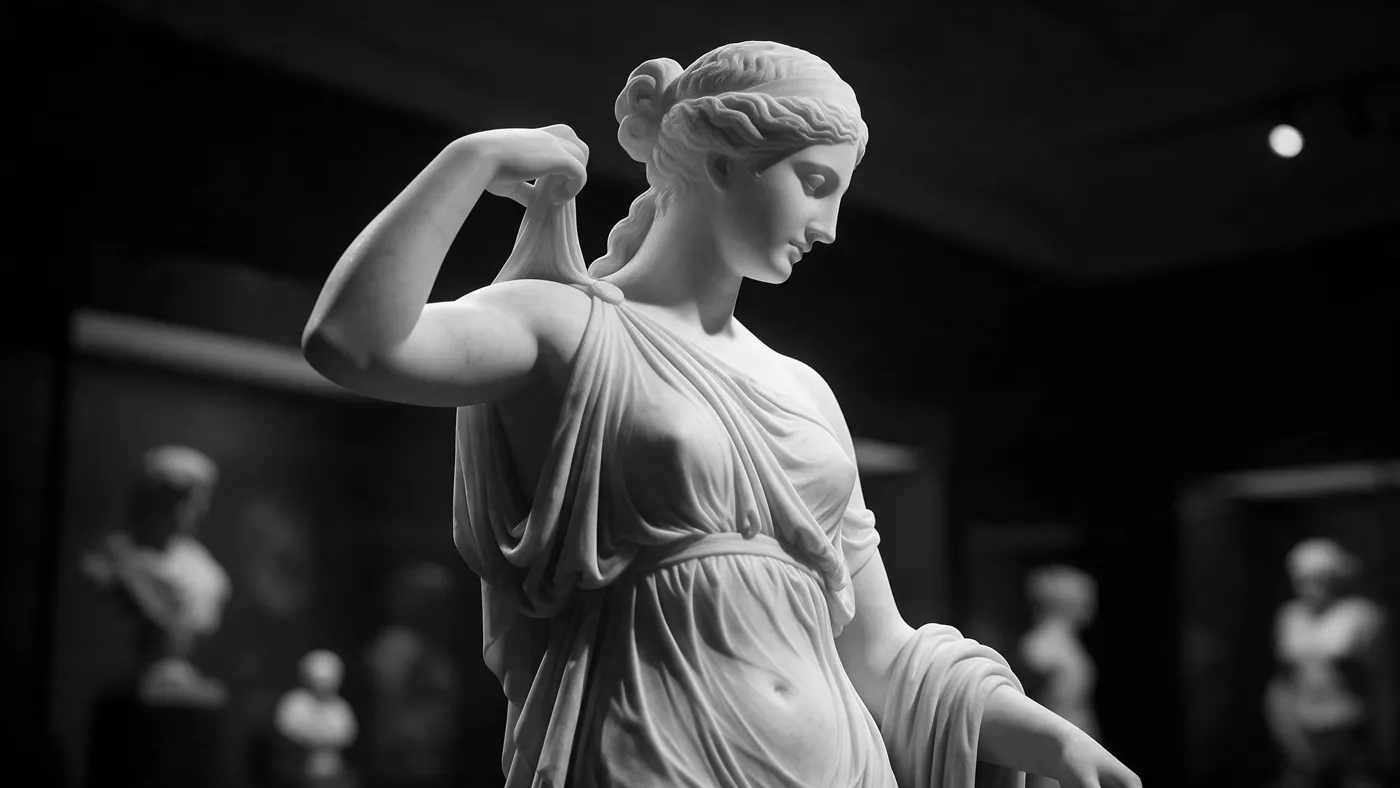
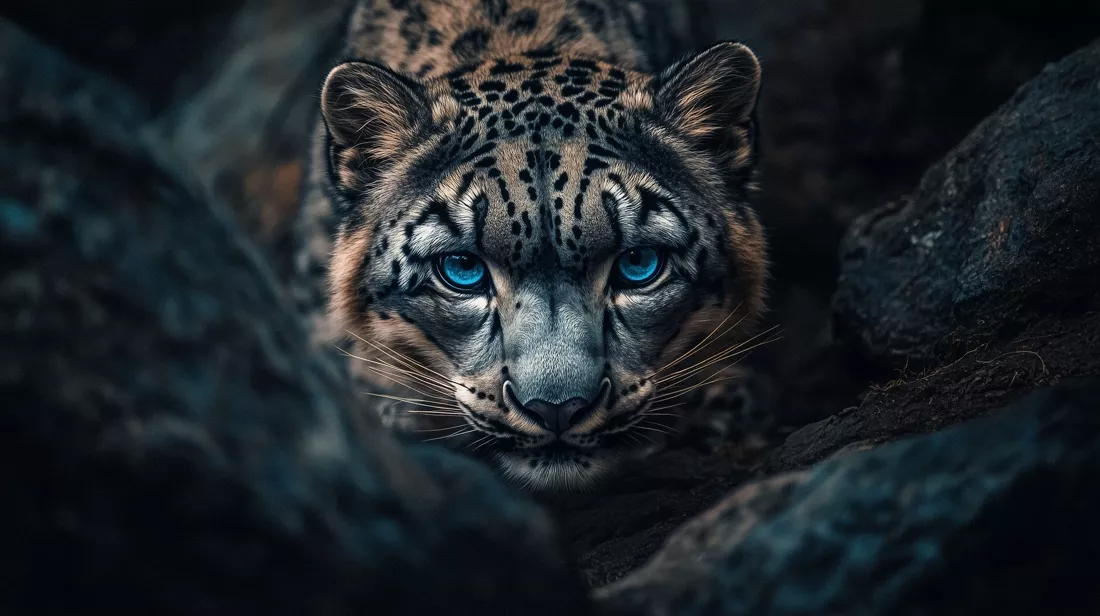
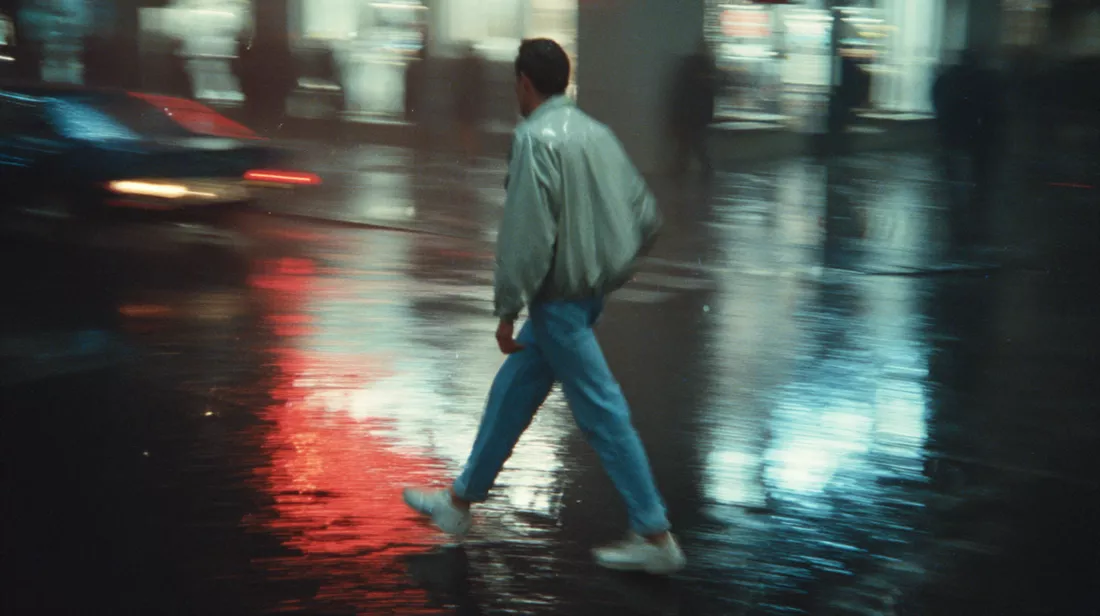
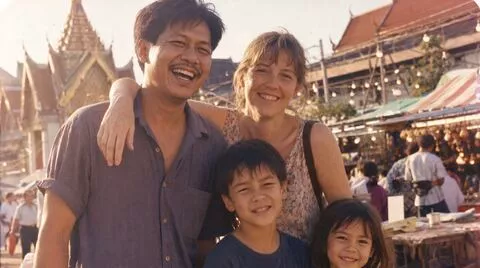
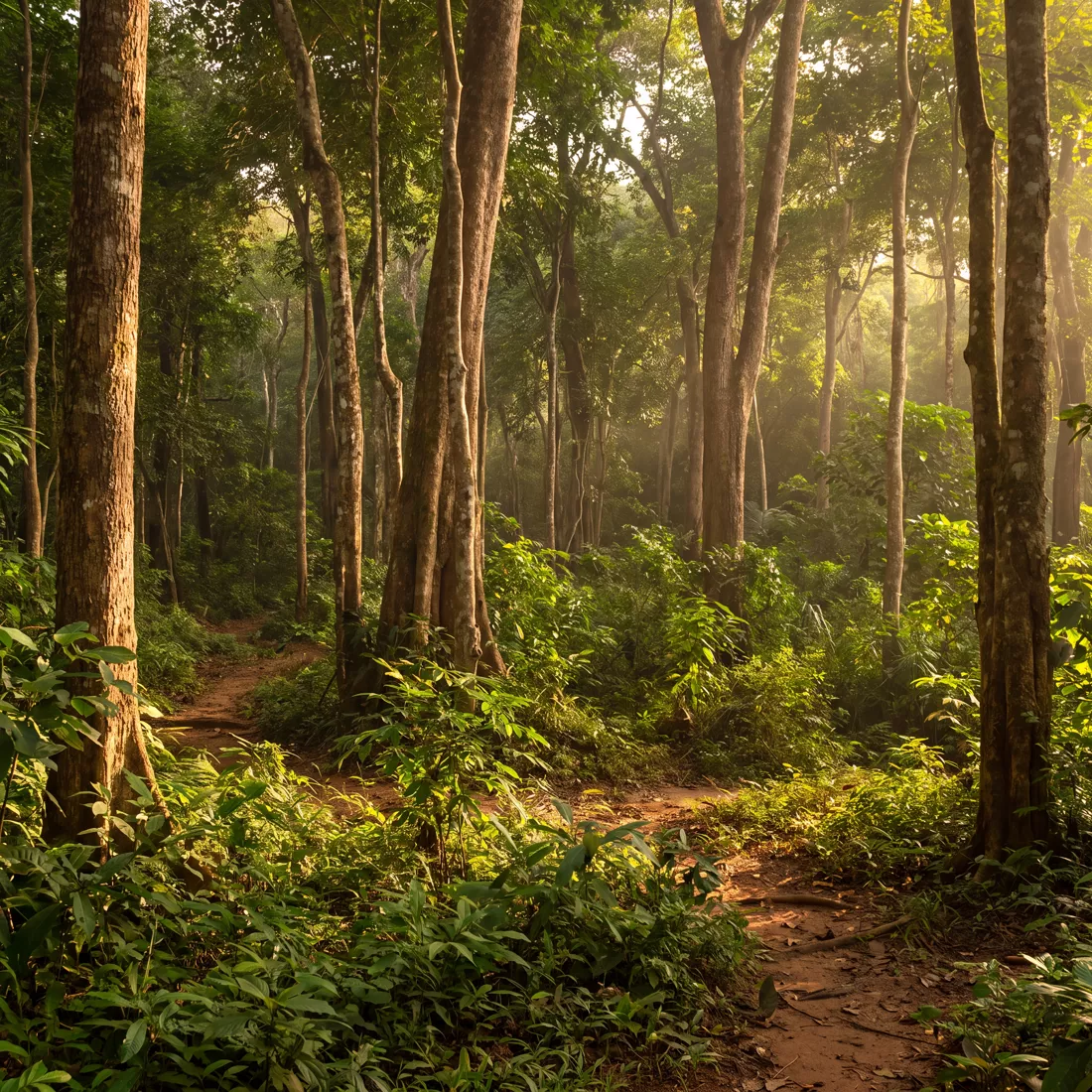
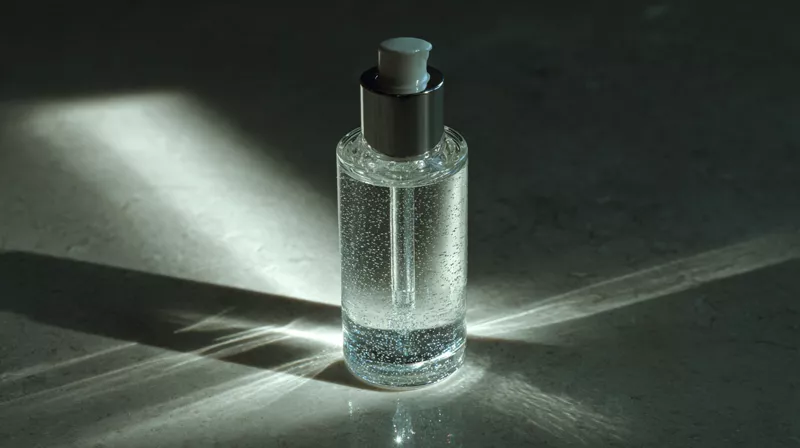
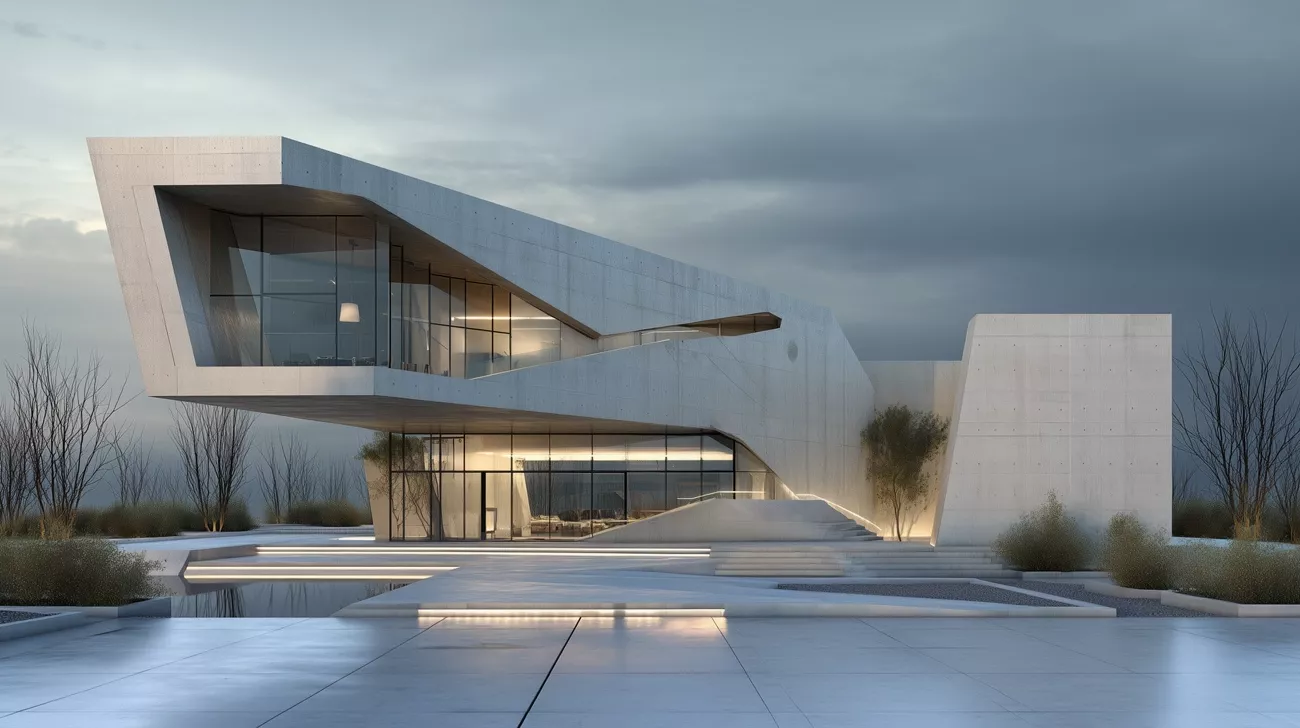
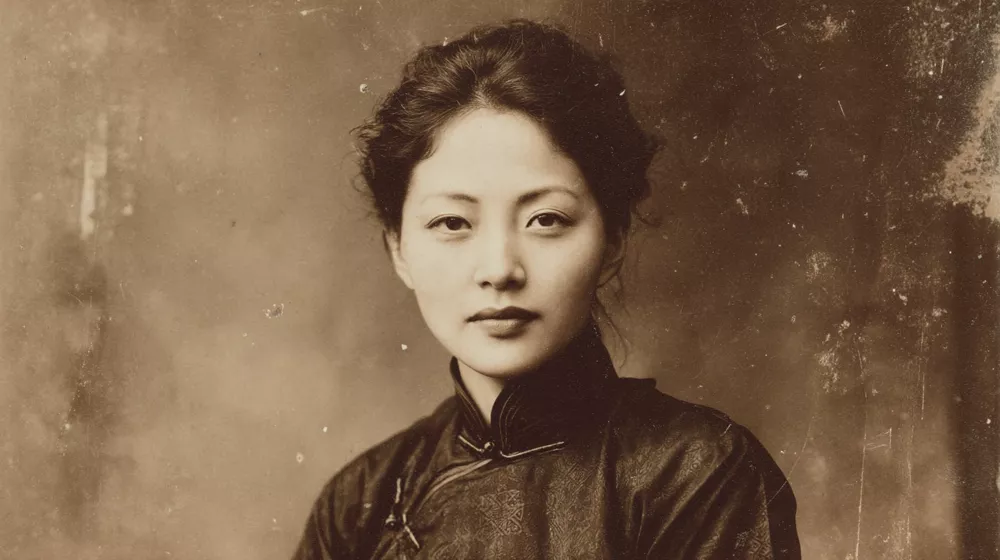
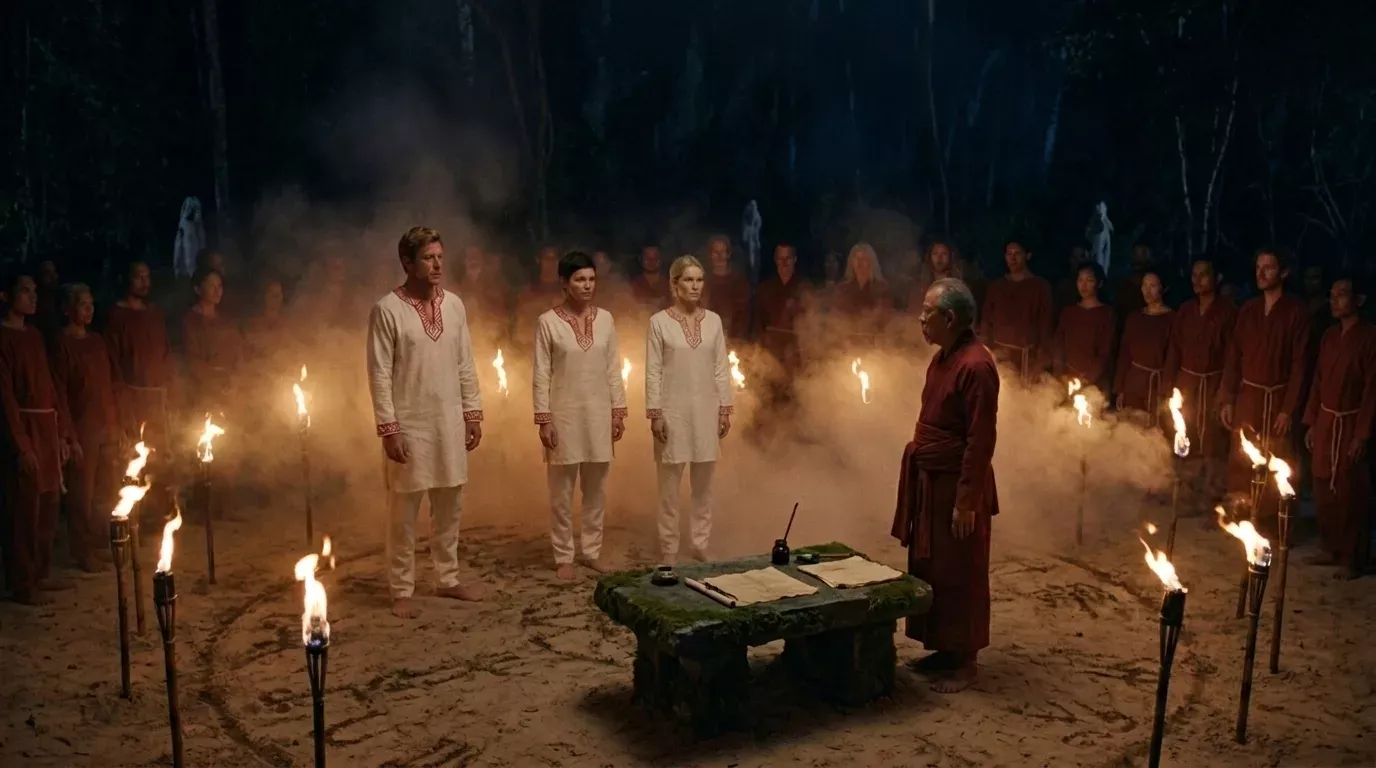
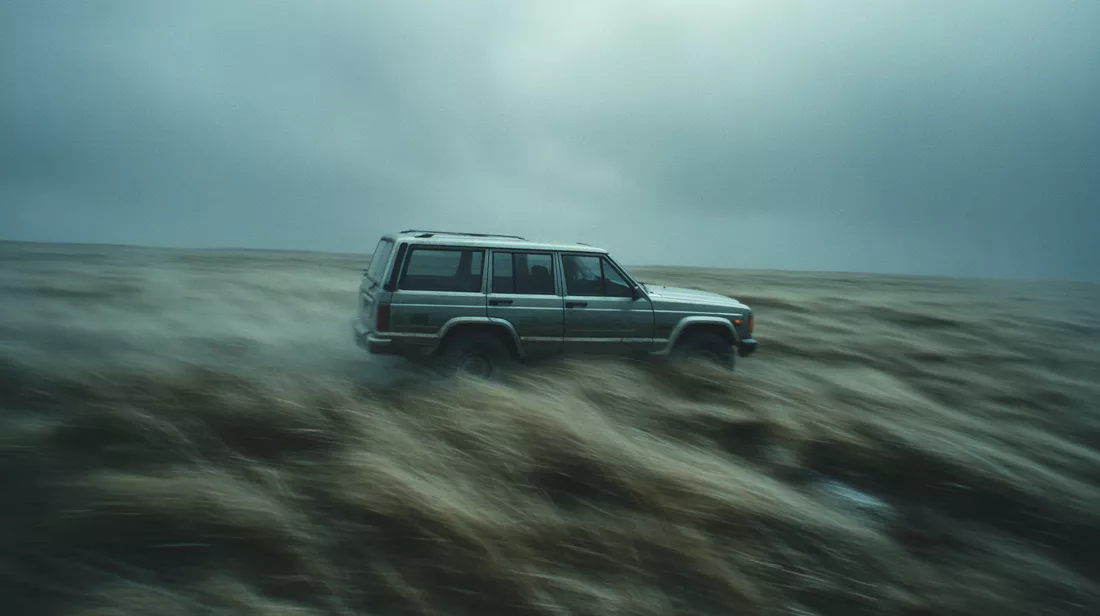
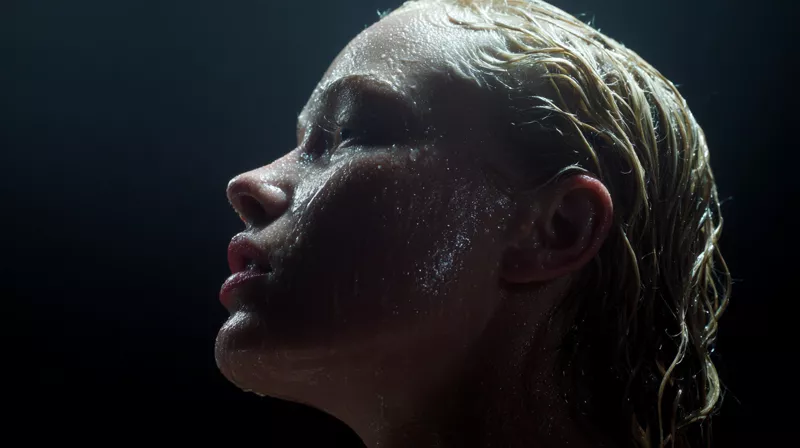
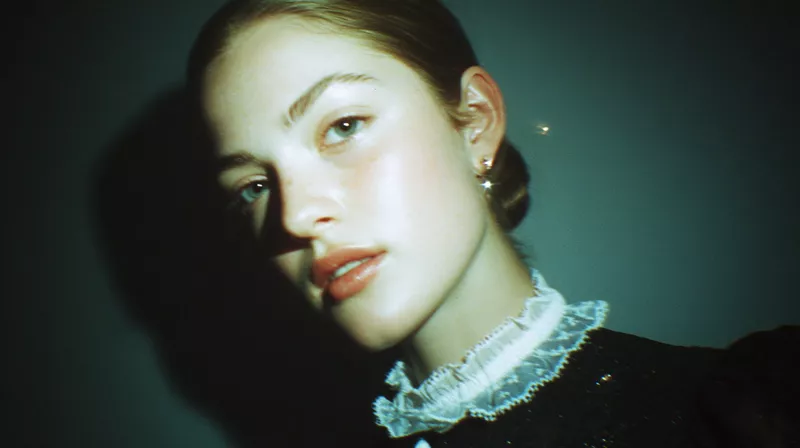
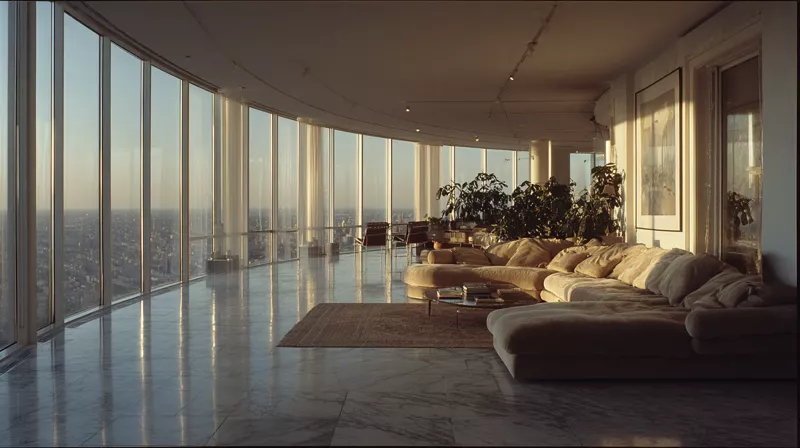
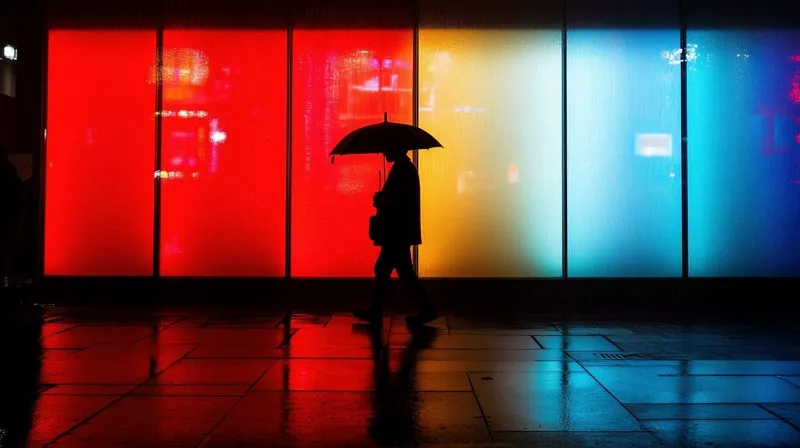
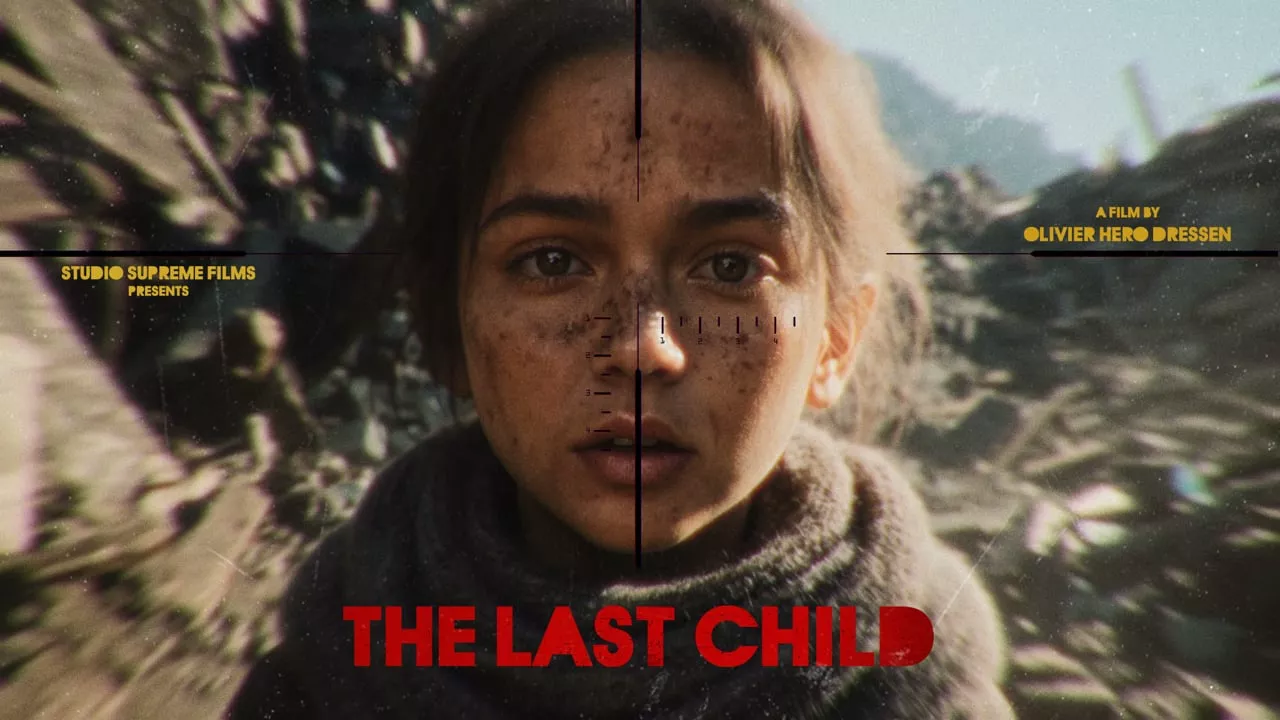
Fashion, wildlife, portraits, product, architecture, fine art. Every frame below came out of AI Render Pro.
Official trailer
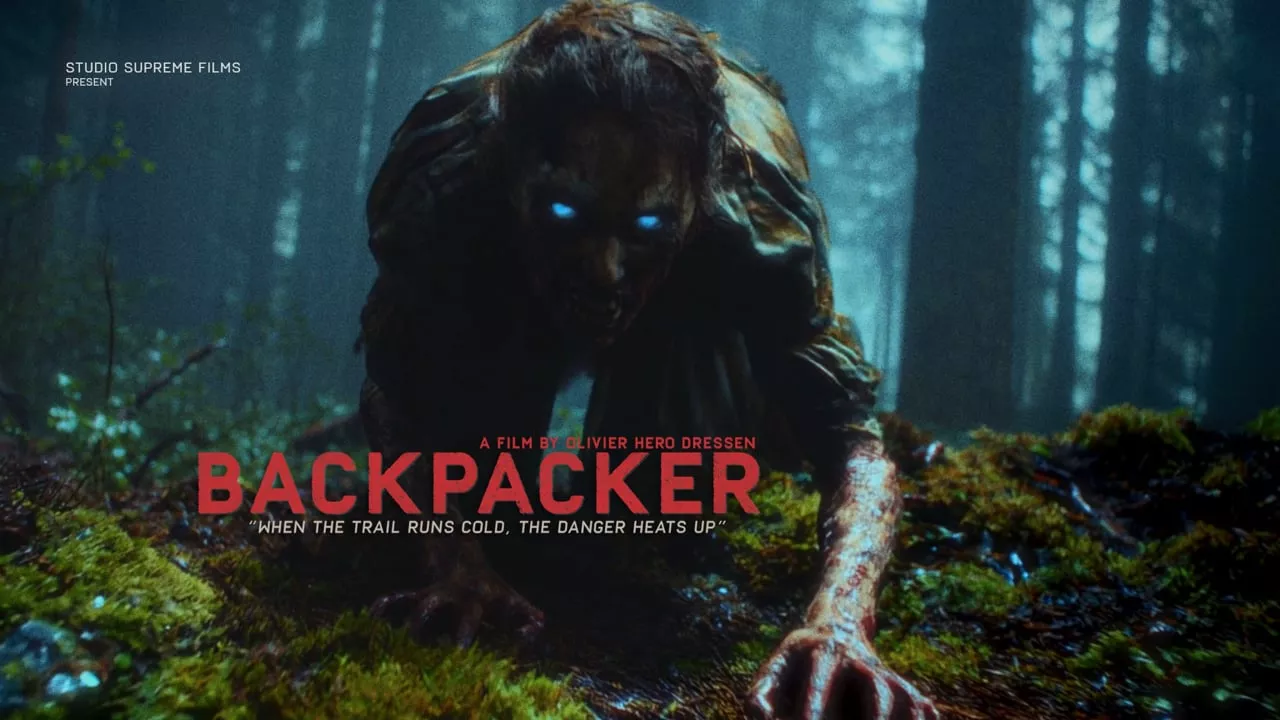
Concept trailer
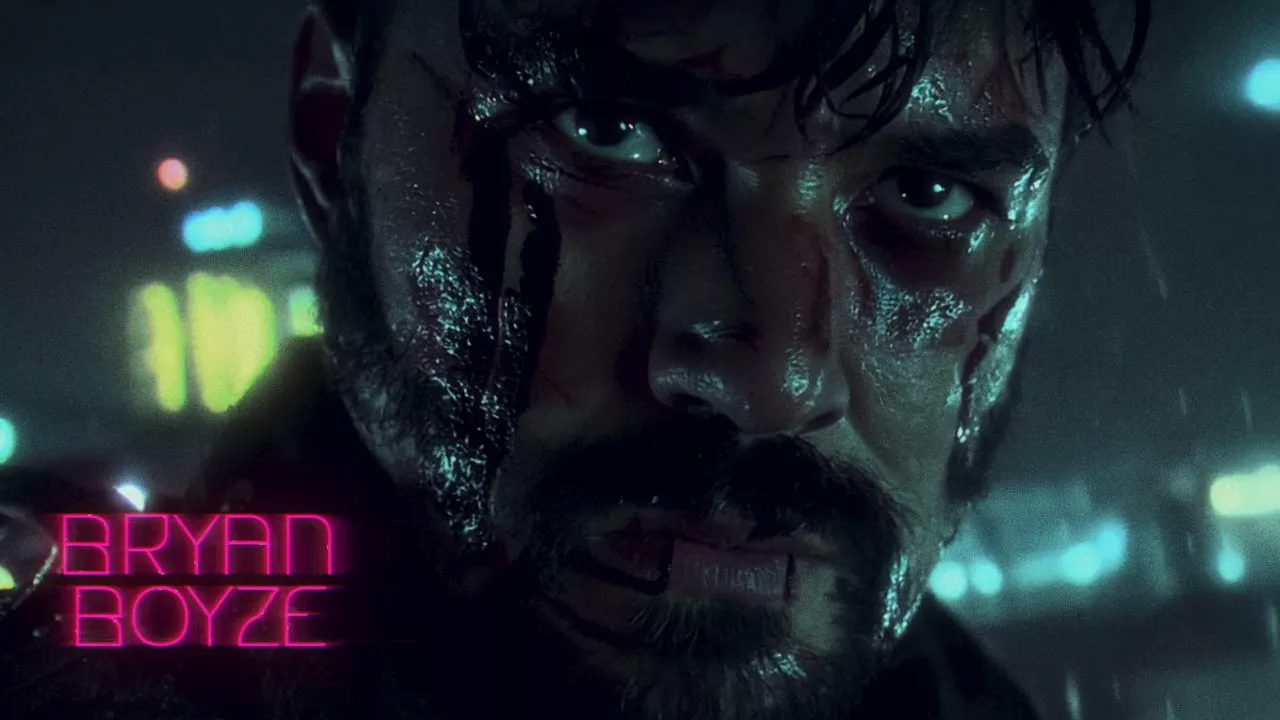
Concept trailer
A flat $19 for the studio. Your renders go to the model provider at their own price, on your own account.
No tier gates. LTX Studio keeps Kling and Seedance behind its $35 plan and Veo behind $125. Here every model is open on the $19 plan.
Runway, Krea, InVideo and Google Flow reset unused credits every month. You never prepay a bundle here, so there is nothing to lose.
Bring your own Atlas Cloud, fal.ai or Krea key. Each model shows its cost before you generate, and you pay that rate, at cost.
Competitor plans as listed on their own pricing pages, September 2026. Generation costs are billed by the provider you choose and vary by model, length and resolution.
Mostly because it gets vague prompts and no references. Studio writes the shot in camera language and locks faces, wardrobe and sets with reference sheets. The commercial above held one actor across every shot.
Keep them if you like. The Prompt Studio writes for Midjourney, Runway, Sora, Kling and the rest. Studio simply puts prep, render, retouch and sound in one place, with every model on one plan.
It is one paste. Open an account with Atlas Cloud, fal.ai or Krea, copy the key into Studio once, and every model is live. You see the price before each render.
There is none. It runs in the browser, your history lives in the cloud, and jobs resume if you close the tab. Your licence works across your computers.
Start with the prompt engine, or run the whole studio. Both cancel anytime.
Write like a director, render anywhere. Prompts only, no generation.
Annual saves 36%. Cancel anytime.
Prompt, generate, retouch, upscale and deliver, in one tab.
Annual = two months free. Cancel anytime.
AI Render Pro ($9) writes production-grade prompts that you paste into other platforms. It does not render. AI Render Pro Studio ($19) includes the whole prompt engine and also generates images and video directly, with pre-production, storyboard, retouch, upscale and sound.
You connect your own account with a model provider such as Atlas Cloud, fal.ai or Krea. Each render is billed by that provider at their published rate. Studio shows the cost before you generate and adds no markup. There are no credits and nothing expires.
Video: Seedance 2.5 and 2.0, Kling v3 and O3, Veo, Wan, HappyHorse and more, over 30 in total. Image: Seedream, Nano Banana, FLUX and GPT Image, among others. New models are added as providers release them.
Build turnaround sheets in Pre-Production, then tag them as references on each shot. Seedance 2.5 takes up to 30 reference images and 10 reference videos per shot.
No. Everything runs in the browser and renders on the provider's servers. It works on a laptop.
Yes. Both plans cancel in one click through the store. Annual plans run to the end of the paid year.
Every model. One tab. Nothing marked up.